Help

Please follow these instructions to buy tickets on our website 

New for 2026

You have to register your email before buying tickets. This is a new requirement for 2026 even if you have already signed up for our newsletter or bought tickets in previous years.
 
Here's why:

  • your email address is verified when you register, meaning we can reliably contact you if events are cancelled or changed
  • registration means that you can log back into our site and review your ticket purchases at the time of the festival

Please note, Friends of the Festival are exempt from email registration as you already have a login to our website

Please note, if you have not already registered your email address for the 2026 festival or onwards, then attempting to reset/request a new password will not work. Even if you have bought tickets previously. New registration is required and it is a one-off!


Step 1

Register your email address on our website

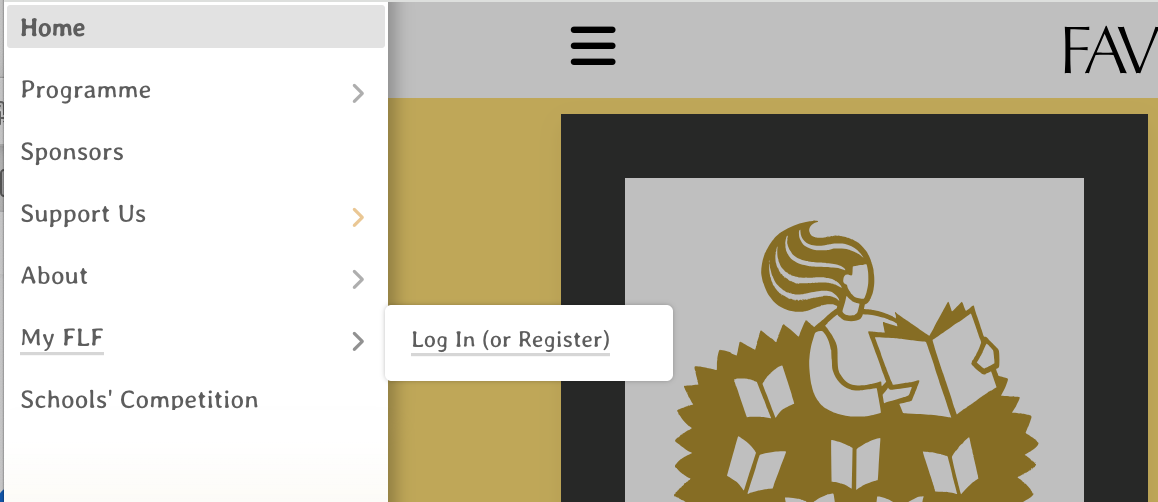
  • Website menu --> My FLF --> Login/Register

  • options for registering:

    • Google (eg. your gmail or googlemail account) - no passwords required
    • Microsoft (eg your hotmail or outlook email account) - no passwords required
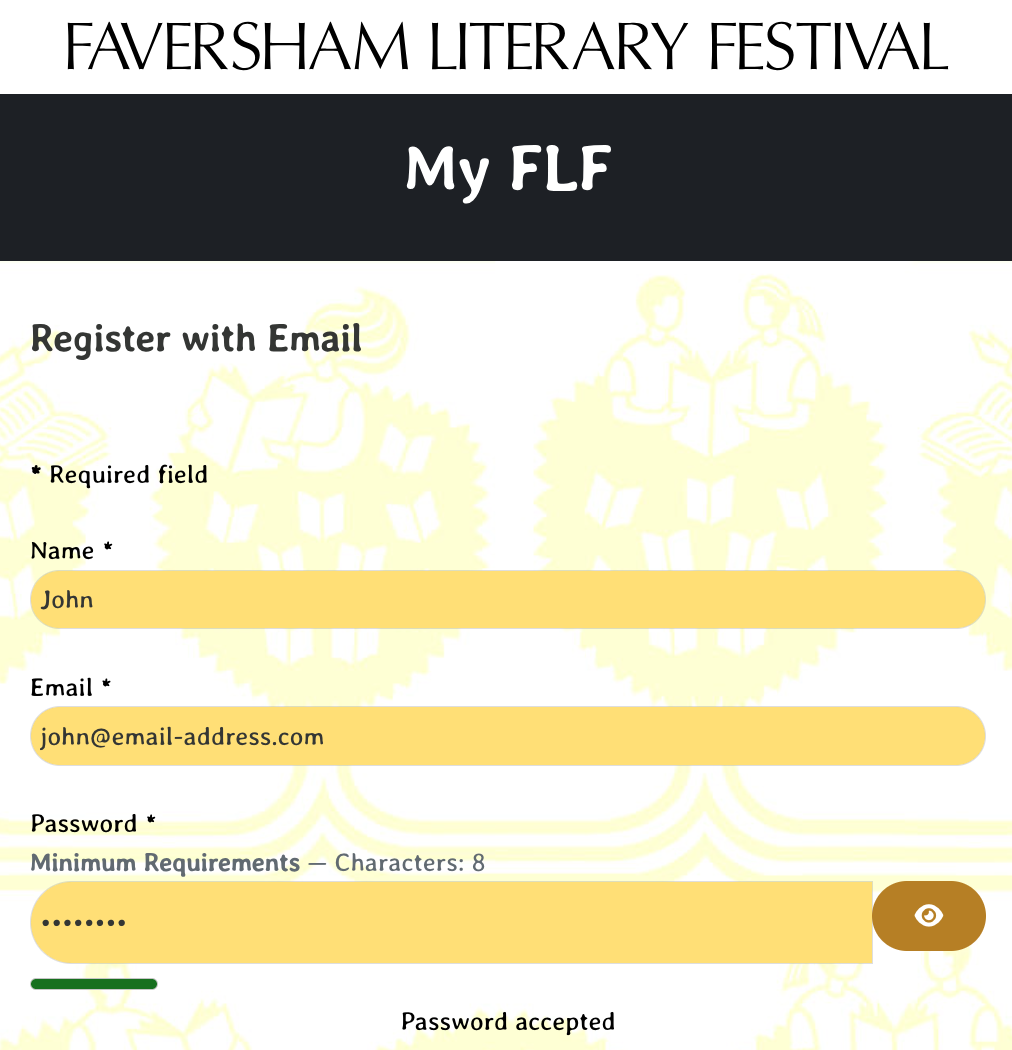
    • or just with an email address & password

  • if you register using just and email & password you must click the link we send you in the registration email

    • if you don't see the registration email then check your junk/spam then mark as 'not junk / spam'


Menu --> My FLF --> Log in / Register

Register your details

Step 2

Make sure you are logged in

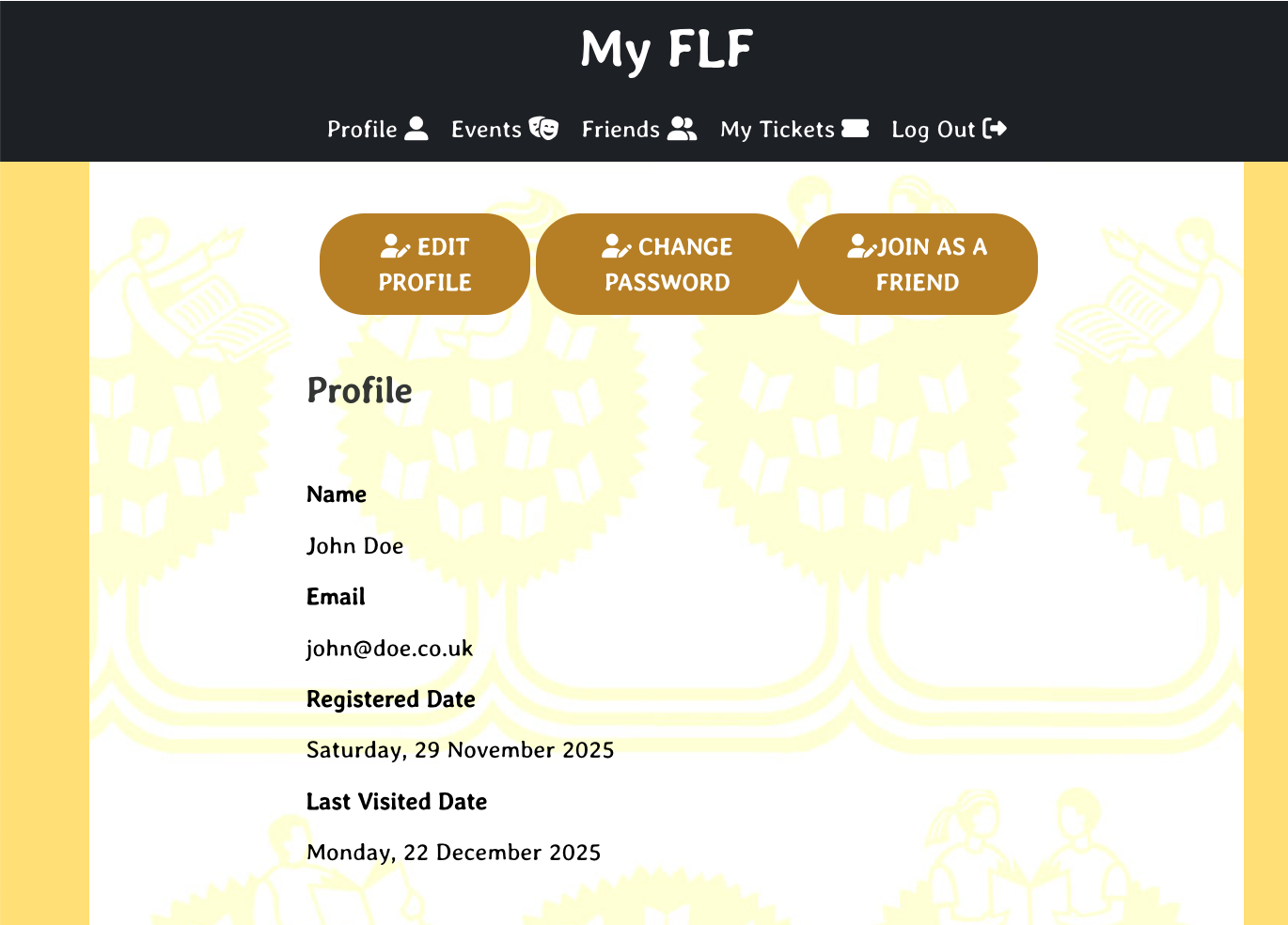
  • if you are logged in then you should be able to see your My FLF profile 

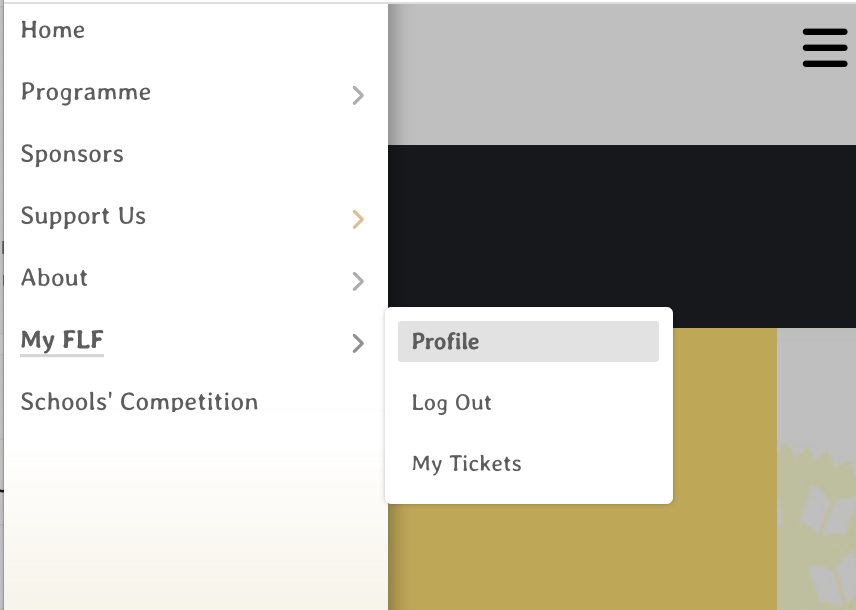
    • Website Menu --> My FLF --> Profile

Menu --> My FLF --> Profile


Profile

Step 3

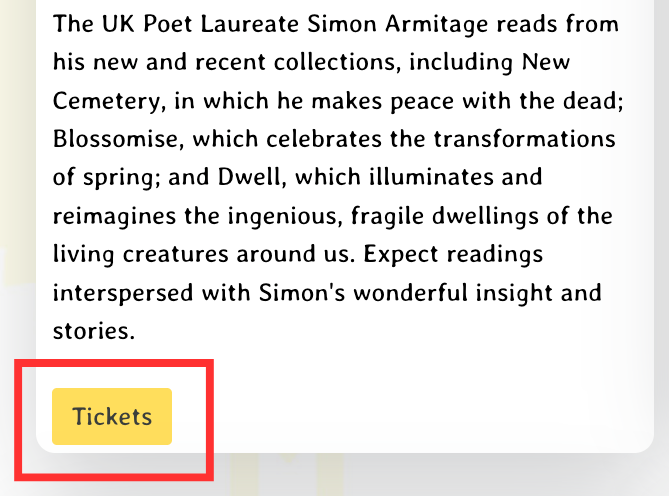
You will now see the ticket button on our events programme page

  • Website Menu --> Programme --> 2026 Programme
  • click "Tickets" to buy and then "Check out"
Ticket Button